You need to enable JavaScript to run this app.
Thank you for reporting this missing image
Our team will work to update this soon
Print
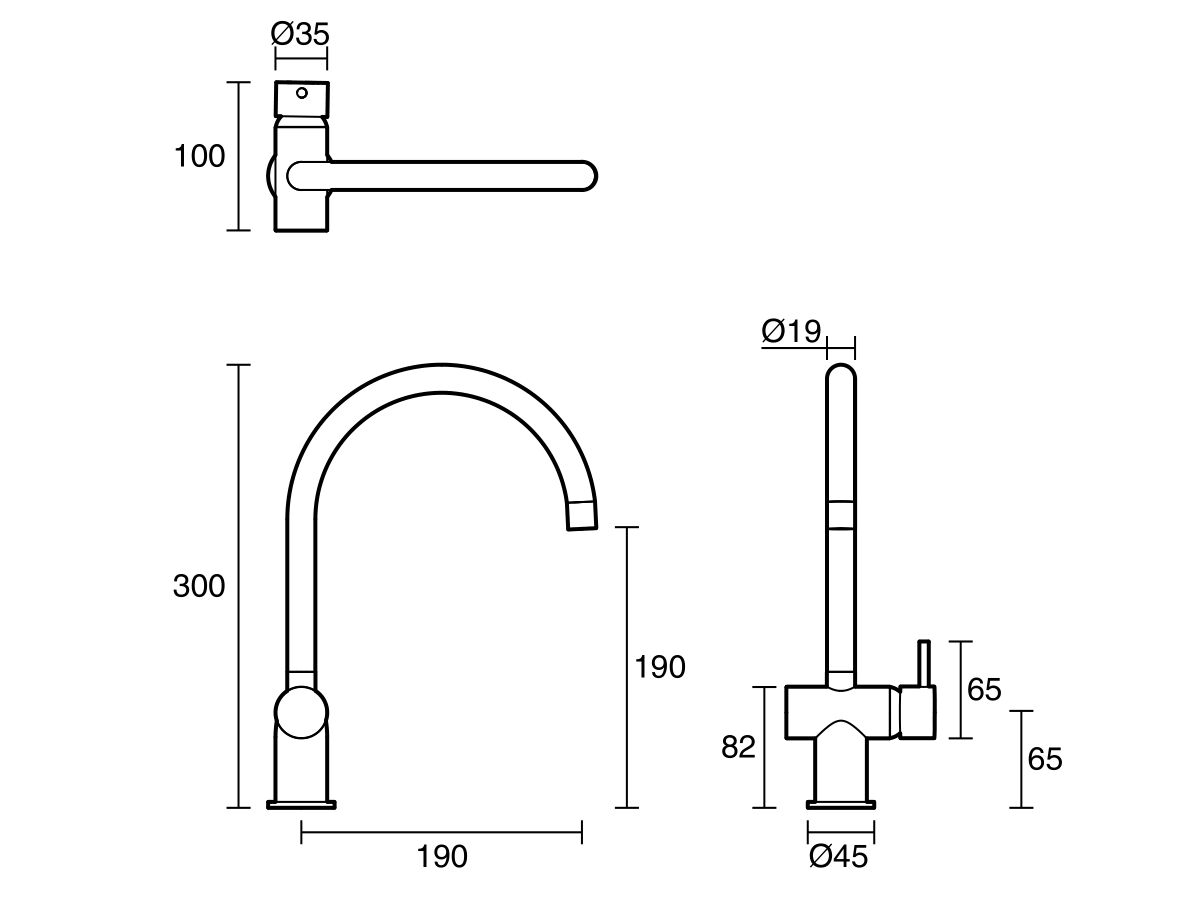
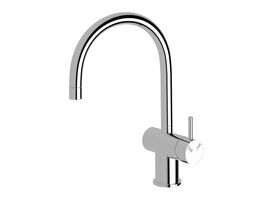
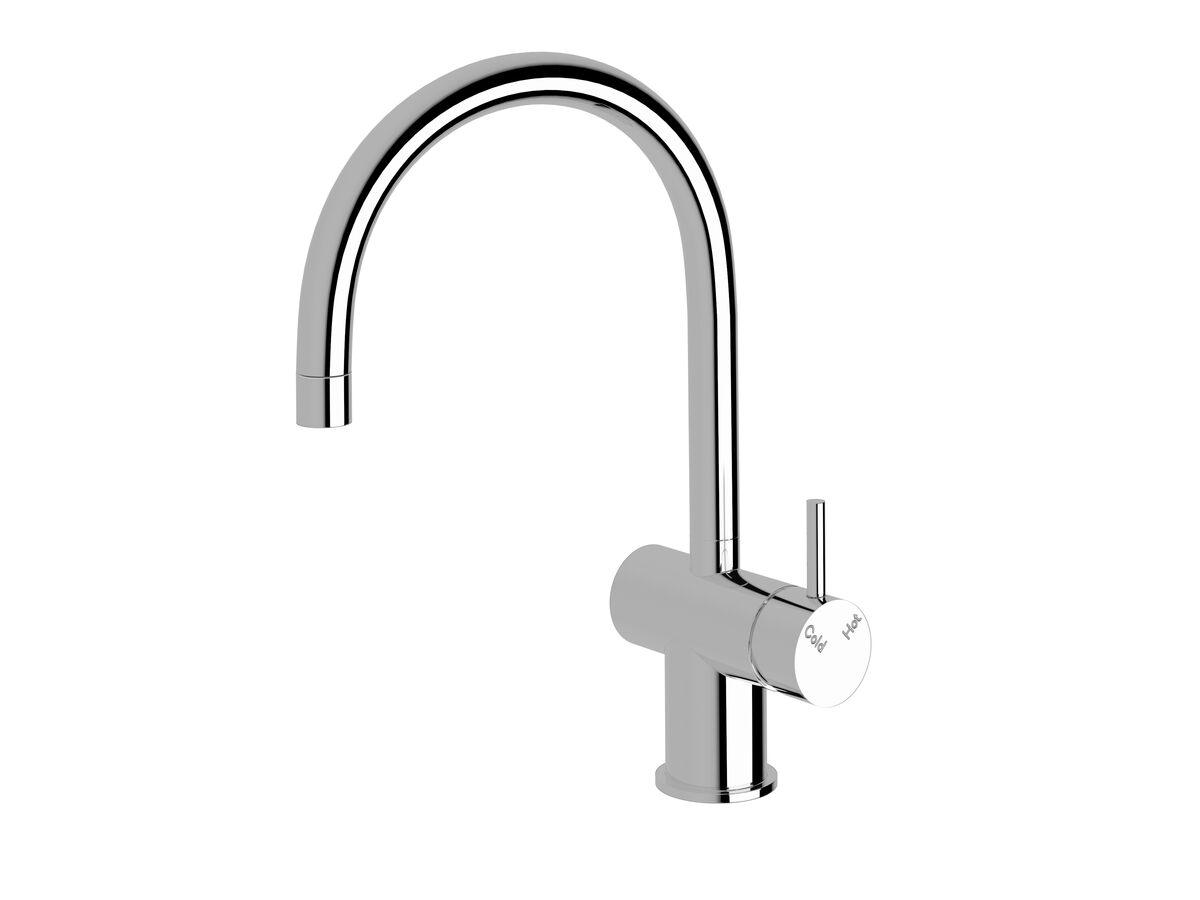
Sussex Scala Mini Sink Mixer Curved Large Right Hand Chrome (5 Star) Lead Free
Product code:
51853

View Product Specifications
Product Specifications
Warranty Information
Documents and Downloads
Back
Recommended Use
Commercial & Residential
Product Type
Tapware
Application Place
Kitchen Sink & Laundry Sink
Mounting
Product Surface
Colour Category
Chrome
Colour Finish
Polished Chrome
Primary Material
Lead Free Brass
Recommended Pressure Range
150 - 500 kPa as per AS3500
Maximum Continuous Working Pressure
500 kPa
Maximum Continuous Working Temperature
65 deg C
Minimum Continuous Working Temperature
1 deg C
WaterMark Licence
WMKA20081 AS/NZS 3718
WELS Registration Number
T21957
WELS Licence Number
0124
Water Efficiency Star Rating
5 Star
Water Consumption
5.5 L/min
Residential Use
40 Years
Commercial Use
10 Years
Warranty Information
For full warranty terms and conditions please refer to the Sussex Warranty document
Learn about our
Product Quality Guarantee
Sussex Brochure (NZ)
View
2D DWG - Sussex Scala Mini Sink Mixer Tap Large Curved Right Hand
Download
2D DXF - Sussex Scala Mini Sink Mixer Tap Large Curved Right Hand
Download
Reece_Tap_Sussex_Scala Mini_Sink Mixer_Curved
Download
STEP - Sussex Scala Mini Sink Mixer Tap Large Curved Right Hand (5 Star)
Download
Brochures
Sussex Brochure (NZ)
View
Specification, Manuals & Installation
Specification Sheet - Scala Mini Sink Mixer Curved Large Right Hand Chrome (5 Star) Lead Free
View
2D/3D Models
2D DWG - Sussex Scala Mini Sink Mixer Tap Large Curved Right Hand
Download
2D DXF - Sussex Scala Mini Sink Mixer Tap Large Curved Right Hand
Download
Reece_Tap_Sussex_Scala Mini_Sink Mixer_Curved
Download
STEP - Sussex Scala Mini Sink Mixer Tap Large Curved Right Hand (5 Star)
Download
Sussex Scala Mini Sink Mixer Curved Large Right Hand Chrome (5 Star) Lead Free
View in AR
Hold and drag the right mouse button to move objects.
Scroll with the mouse wheel, or pinch with the trackpad, to zoom
Hold and drag the left mouse button to rotate objects.
Drag with two fingers to move object
Pinch with both fingers to increase/decrease the size.
Drag with one finger to rotate object